Clear the Google lock left after a factory reset.
Removes Google Factory Reset Protection from an Android phone you own, on Android 12 and earlier, so a device you already wiped can be set up again.
Android FRP Unlock
- Removes Google Factory Reset Protection on Android 12 and earlier
- For a device you own or are authorised to service
- Runs over USB with debugging enabled
- Confirms you own the device before it starts
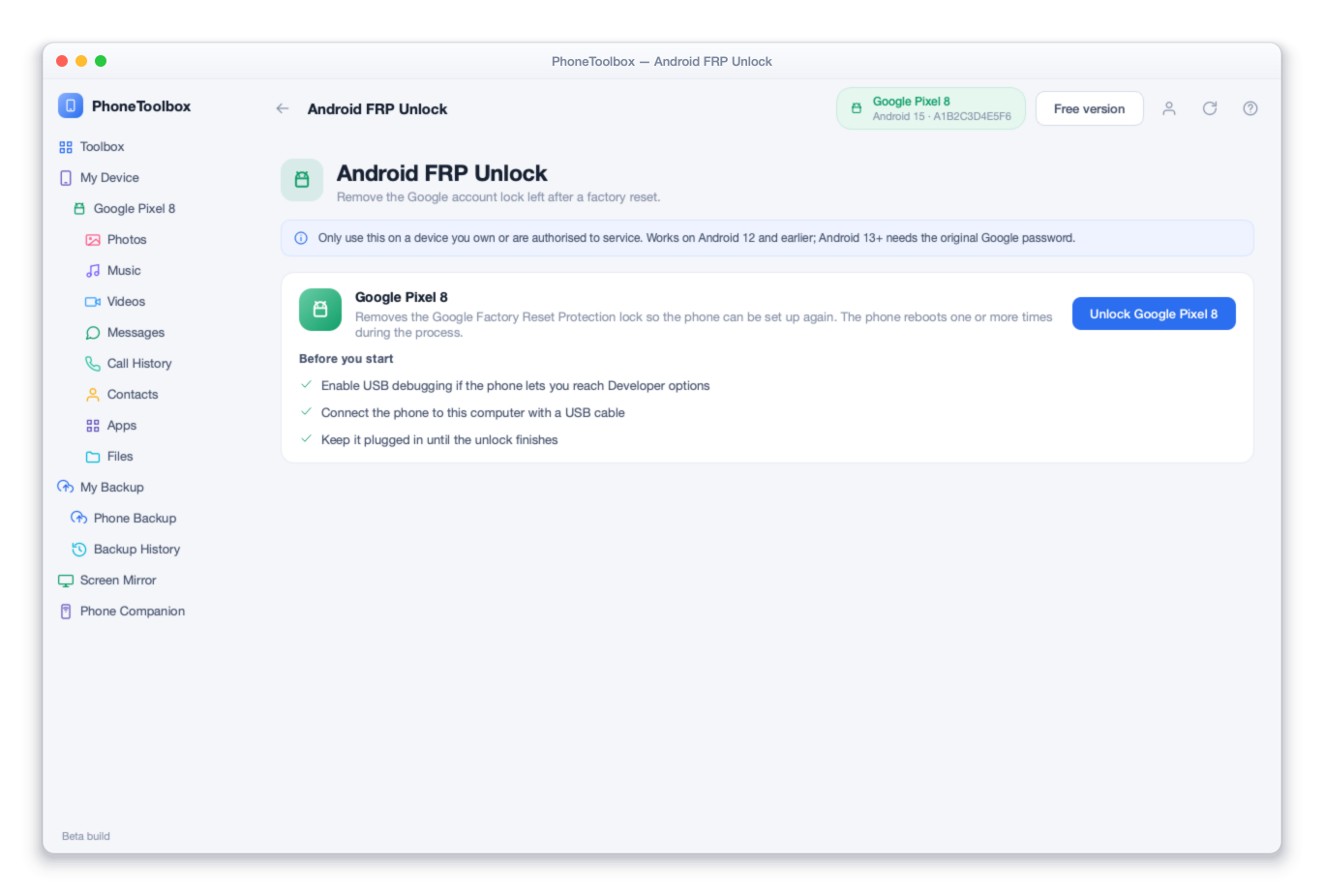
Before this tool runs you are asked to confirm the device is yours. Some situations also require proof of purchase. This is not a way around somebody else's lock.
Android FRP Unlock pricing
Android FRP Unlock is included in every paid plan — one licence for you, or per phone for a workshop.
Full Toolbox
5 phones · 2 computers
7 of 14 tools ready today · the rest arrive at no extra cost
Secure card checkout · 7-day money back
Business
1 phone per seat · 5 computers
7 of 14 tools ready today · the rest arrive at no extra cost
$59.98 a year for 2 phones
Minimum 2. Each seat is one handset for the licence year. Need more than 500? Talk to us.
Secure card checkout · 7-day money back
Full Toolbox
5 phones · 2 computers
7 of 14 tools ready today · the rest arrive at no extra cost
Secure card checkout · 7-day money back
Business
1 phone per seat · 5 computers
7 of 14 tools ready today · the rest arrive at no extra cost
$59.98 a year for 2 phones
Minimum 2. Each seat is one handset for the licence year. Need more than 500? Talk to us.
Secure card checkout · 7-day money back
All prices in USD. Download and scan for free first. Buy here, or from inside the app — it opens this same checkout.
Scan and preview for free. Pay only when you want the result.
Free, with no card
- Install and connect your phone — no account, no card
- Full scan and preview of what is recoverable or transferable
- Device diagnostics and a readable status report
- Enter recovery mode and other reversible utilities
Needs a licence
- Exporting or saving recovered files
- Completing an unlock, repair or erase
- Running a transfer to another device or computer
7-day money-back guarantee on every plan. A licence is bought inside the application, not on this website.
Android FRP Unlock — the questions people ask
Not without the original Google password. Android 13 and later tightened Factory Reset Protection, and we would rather tell you that up front than sell you a tool that quietly cannot help.
Enable USB debugging where the phone lets you reach Developer options, then keep it plugged in over USB while the unlock runs. The phone reboots a few times during the process.
Clearing the lock on a phone you own is. On a phone that is not yours it is not, which is why the tool asks you to confirm ownership before it starts.
Software you run, or a job we do
These are two different products and it is worth a moment to land on the right one.
PhoneToolbox — you run it
Software on your computer, with the phone plugged in. Right for a forgotten screen lock, a phone stuck on the logo, deleted photos, or moving everything to a new handset.
Needs the phone in your hands
Remote unlock — we do it
You send the IMEI and we do the work through official channels. Right for a carrier-locked phone, and the only route for a network unlock that sticks permanently. Nothing to install.
More about PhoneToolbox
Find out if it can fix your phone — free.
Install PhoneToolbox, plug the phone in, and it tells you exactly what it can do before you spend anything.
Free scan · No account · 7-day money back
PhoneToolbox
Free download · scan and see what it can do before you pay · 7-day money back